Dylan [M] Audio
//  Front of House · Toolmaker

World-class live sound — and the tools that run the show behind it.

I’m Dylan Mitrovich — a front-of-house engineer and audio educator with global touring experience. Between shows I build precise macOS software for live-sound consoles.

FOH engineer/ Audio educator/ 5 apps/ macOS · notarized
//  Software

Tools I build for the console — starting with the dLive.

From a complete automation platform to focused menu-bar utilities — designed on tour, tested at showtime. The dLive is the first console; more manufacturers are on the way.

Console Control app icon
Flagship

Console Control

Complete console automation, locked to timecode. Every fader, mute, Scene, Action and send, programmed against your show’s own audio and fired exactly when the show gets there — drop in anywhere and the desk is right. The dLive is the first console; more are on the way.

timelinetimecodeshow automationdLive first
Coming soonLearn more →
//  The Utility AppsSmall menu-bar tools that each do one job well.
MIDI Bridge app icon

MIDI BridgeFREE

Free

Free MIDI between your Mac and the dLive, with real connection status, errors in words, and a live MIDI Monitor that reads every fader, mute, Scene, EQ and send in console language instead of hex. One connection the other apps share — and full Stream Deck control of the dLive, with the console’s state on the keys.

MIDI over TCPlive monitormenu-bar status
Talk Light Trigger app icon

Talk Light TriggerTLT

dLive

Someone talks on the shout bus and your dLive’s own surface lights flash, so you know to put the headphones on. A talkback, shout or call light with nothing to rig; one SoftKey to cancel.

signal → triggertallymenu bar
Pilot Tone Trigger app icon

Pilot Tone TriggerPTT

dLive

A pilot tone drops — a playback machine, a Waves server, a plugin host — and your dLive switches to the backup you already built: main/backup playback or the "inserts out" scene, with no switching hardware.

tone detectauto-failoverWaves failover
Time Code Tool app icon

Time Code ToolTCT

Universal

Read incoming LTC or MTC and see how healthy it is; send it on clean as LTC, MTC or both, at any frame rate; or be the timecode master and render LTC to a WAV. A far steadier endpoint than piping LTC straight into a DAW. Works with any console.

LTC inMTC outLTC→WAV

dLive Menubar Utilities Save $9

Talk Light Trigger + Pilot Tone Trigger, plus MIDI Bridge — the dLive menu-bar set, on Mac and Windows. One key unlocks both paid apps.

All Menubar Utilities Best value · save $38

Every menu-bar app — TLT, PTT and Time Code Tool — in one licence, on Mac and Windows. One key unlocks all three paid apps; MIDI Bridge is free for everyone.

Companion module icon

Stream Deck control for every app New · free

The dylanmaudio module for Bitfocus Companion: your dLive and every app on Stream Deck keys, with the state back on the keys — names, colours, levels, the current Scene, talkback and failover.

Learn more →
All apps: macOS 11+ · Apple Silicon, and the menubar apps run on Intel Macs too · every menubar app also runs on Windows 10 and 11 · paid apps include a full-featured 20-minute trial. Independent software, not affiliated with Allen & Heath.
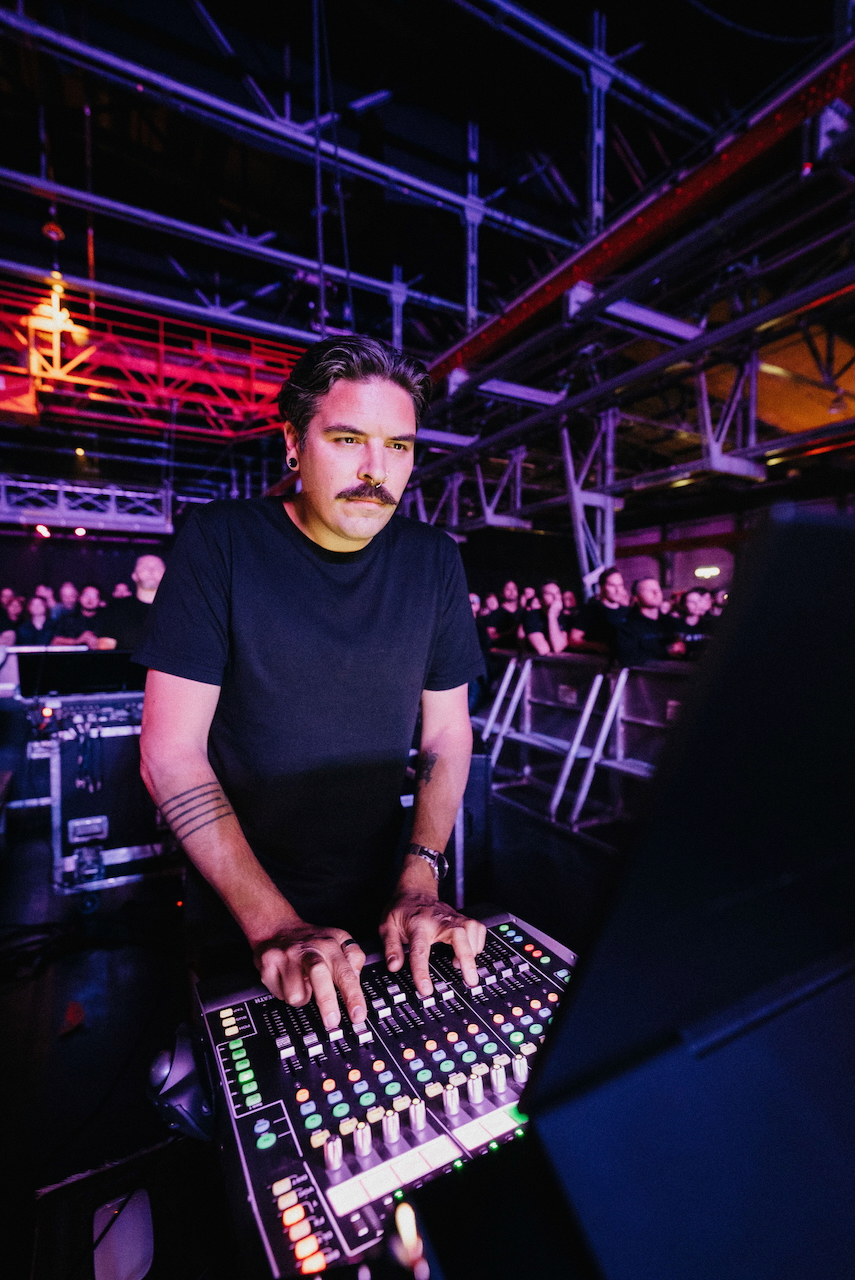
Dylan Mitrovich mixing front of house // FOH
//  About

Engineer first — which is why the tools work.

I’m not a software company that discovered live sound; I’m a front-of-house engineer with 20+ years on the road who started writing the tools I wished existed at the console — on Allen & Heath dLive since 2017, and delivering the platform’s masterclasses.

20+ yrs touring dLive since 2017 Certified Dante & Pro Tools trainer
Read the full story →
//  Book

Book time, direct on my calendar.

Sessions & consults

Pick a slot that suits you — it syncs straight to my Google Calendar and you get an instant confirmation.

  • 01Console & show-prep coachingdLive workflows, scene programming, automation
  • 02App onboarding & supportGet set up with TLT, PTT, or Time Code Tool
  • 03Front-of-house mentoringOne-to-one, for engineers levelling up

1-on-1 sessions are subject to availability. No times showing? Send a message and we’ll find a slot.

//  Contact

Questions about the apps, a licence, or a show?

Drop a note below and it lands straight in my inbox. No address to harvest — just tell me what you need.

// Replies usually within a day or two.

Message sent

Thanks — I’ll be in touch shortly.

//  Community

Join the community.

Help, support and feature requests — plus a place to talk shop with other live-sound engineers. It’s where I answer questions and share what’s coming next.

// Free · open to everyone