Someone talks on the shout bus, the surface flashes, you put the headphones on. Nothing to rig; one SoftKey to cancel. Talk Light Trigger watches a talkback mic or the shout bus and flashes the dLive's own surface lights while someone is talking — a talkback light, shout light or call light for the FOH engineer who can't hear the stage until the headphones go on, and for anyone who talks on cue.
I was mixing FOH without a shout box. The old one hadn’t been loud, but it had a signal light, and that was the useful part: when the light came on I knew someone on stage wanted me, and I’d get closer or put the headphones on. Then it broke mid-tour. The crew could talk all they liked; I couldn’t hear them until the headphones went on, and I had no way of knowing when that was — short of them texting me and hoping I’d look down. So I sent every talkback mic to a bus, and wrote something that watches that bus and flashes the console when there’s signal on it. The dLive has the lights already. It just needed telling when.
Any talkback mic, or a bus carrying all of them, on any input of any interface the Mac or PC can see — Dante, SoundGrid, MADI, USB, Thunderbolt, PCIe.
When signal crosses your threshold it recalls a “talk” Scene; when it stops, a “quiet” Scene. Each Scene carries a different Surface Illumination, and its Recall Filter is set to illumination only, so nothing else on the desk changes. Flash Rate alternates the two so the lights really flash; Flash Hold keeps them going for a few seconds after a pause.
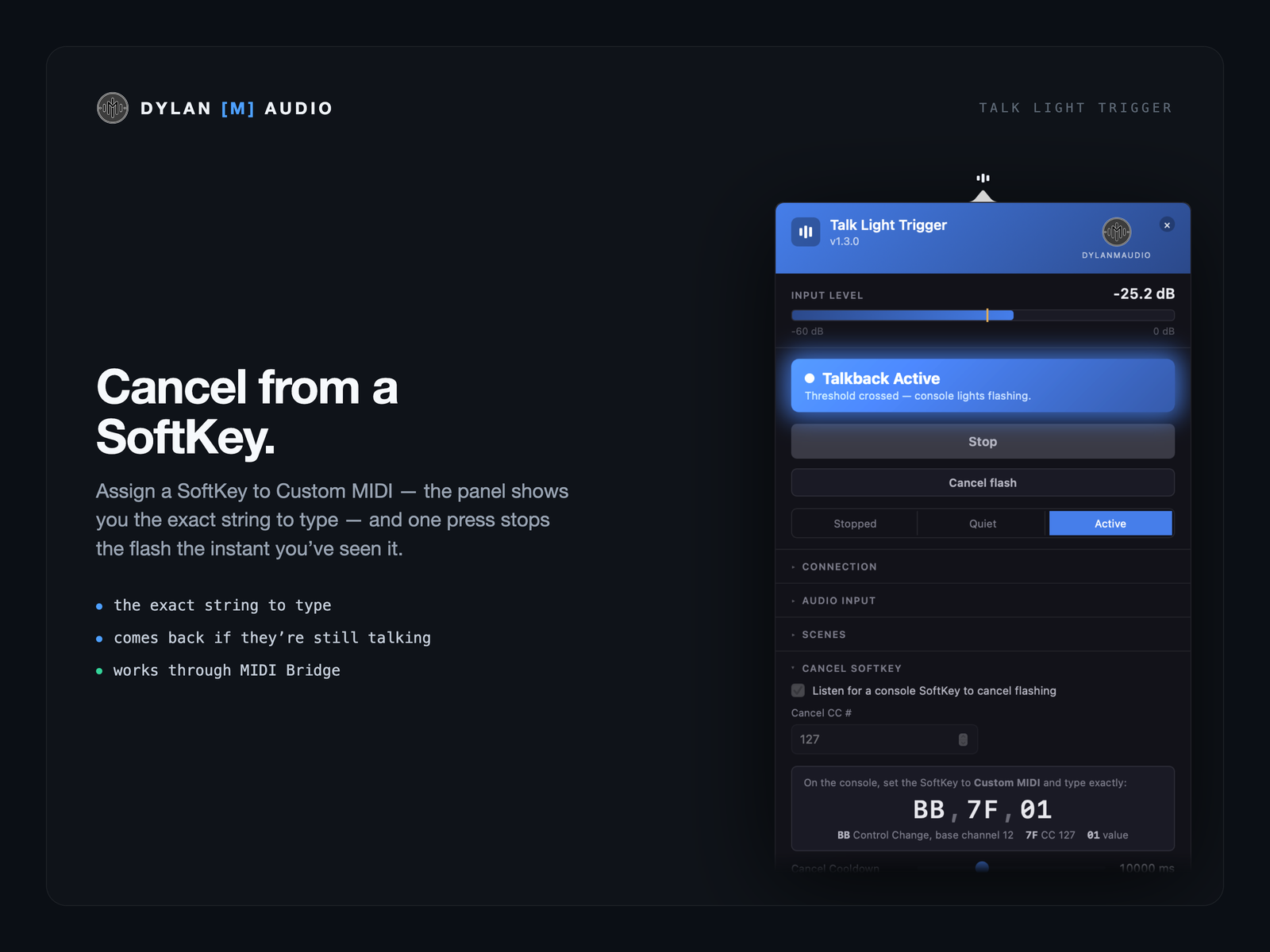
Assign a SoftKey to Custom MIDI — the panel shows you the exact string to type — and one press stops the flash the instant you’ve seen it. If they’re still talking after the cooldown, it comes back.
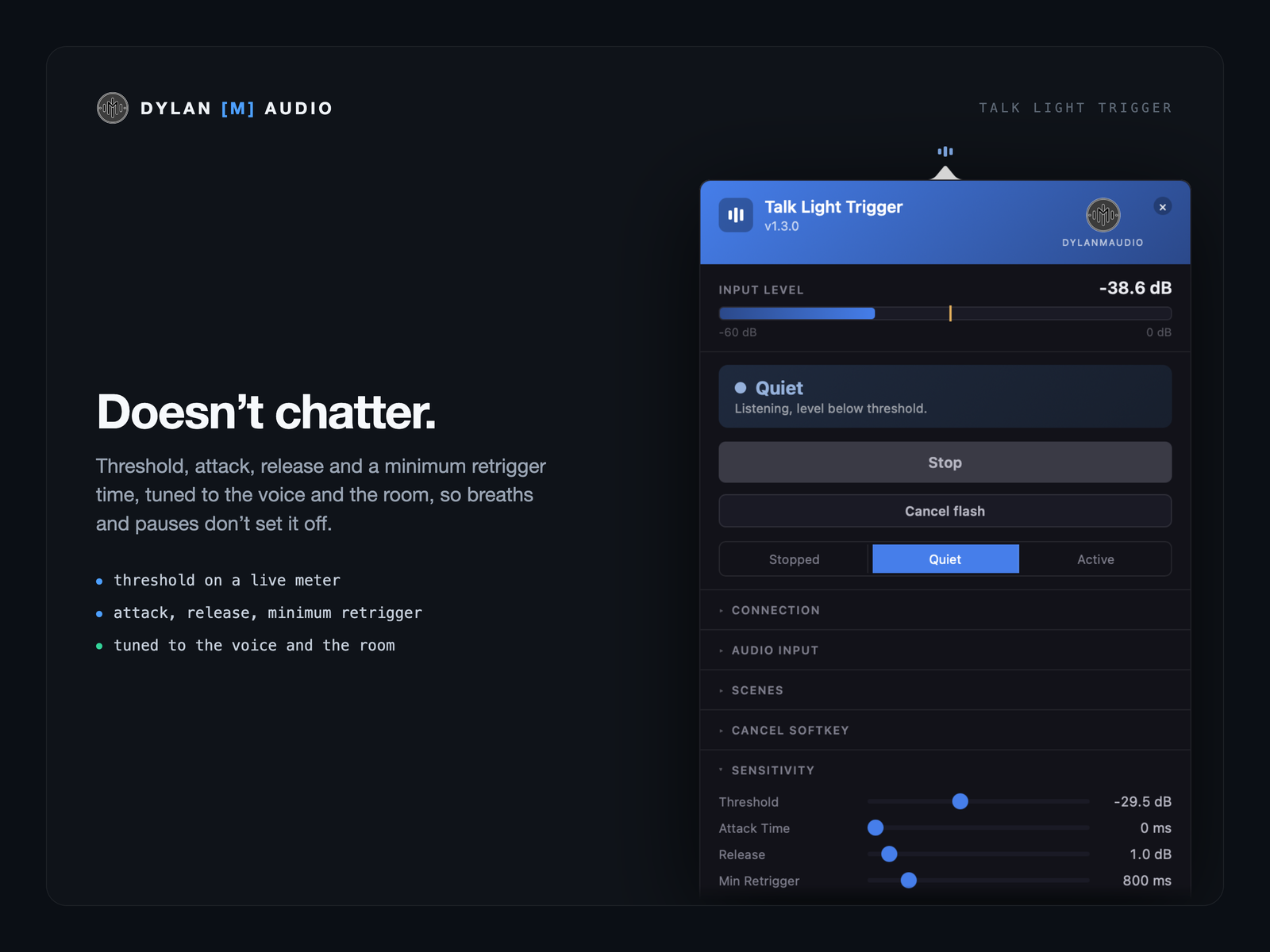
Threshold, attack, release and a minimum retrigger time, tuned to the voice and the room, so breaths and pauses don’t set it off.
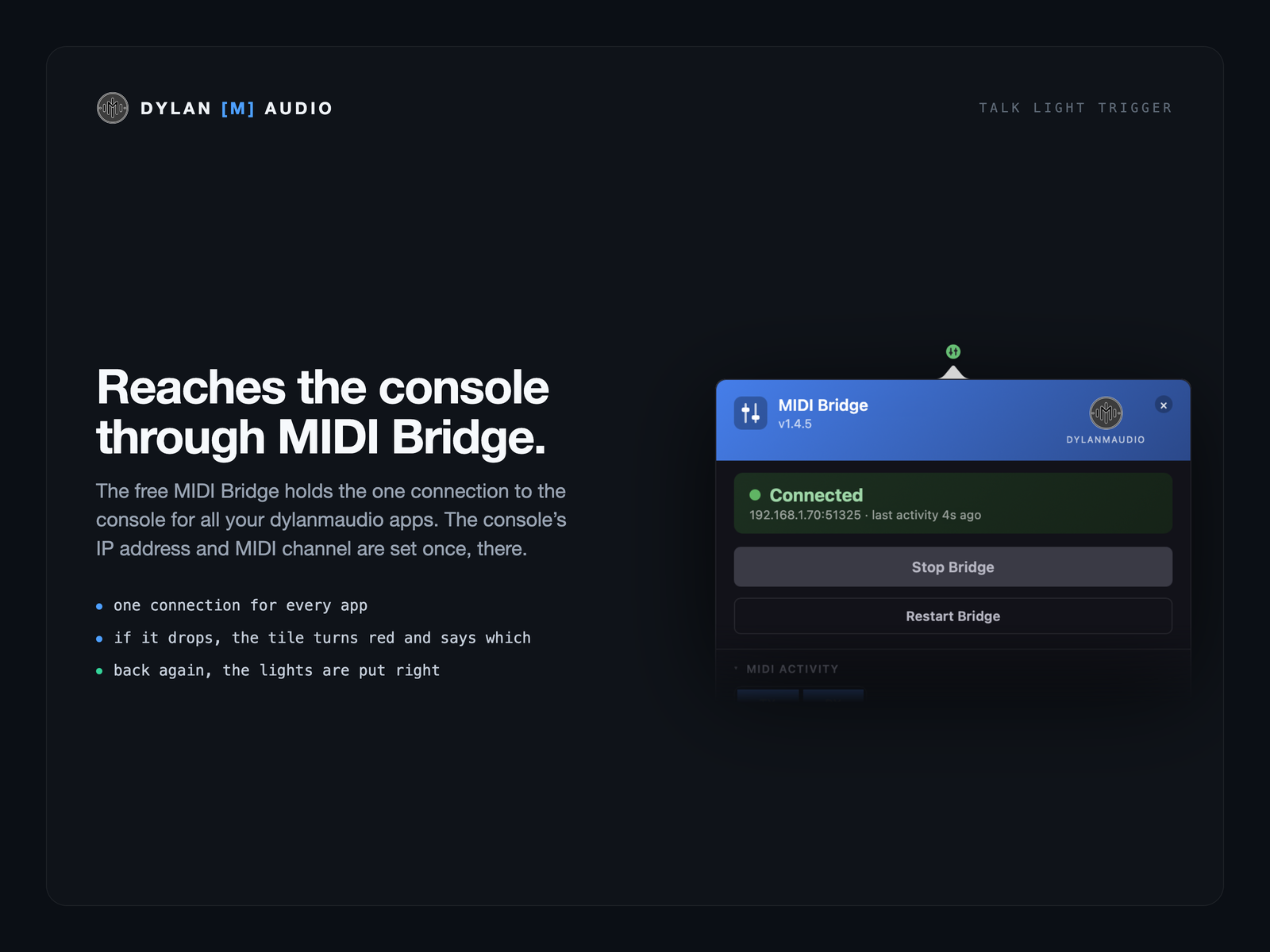
If MIDI Bridge or the console goes away, the panel turns red and says which, and the menu-bar icon pulses amber. When the connection is back, the Scene for the current state is sent again, so the lights are right. The session log records every Scene sent, every failure and every Cancel press, so an exported log shows what happened.
One input channel, a large buffer, and it never changes the sample rate.
The free MIDI Bridge holds the one connection to the console for all your dylanmaudio apps; the console’s IP address and MIDI channel are set once, there. The Cancel SoftKey works through it too. Start doesn’t wait for the console: Talk Light arms and listens, and the lights follow as soon as MIDI Bridge connects.
Run and Threshold on Bitfocus Companion keys with the talk state fed back, and a Talk flash page: when someone talks your Stream Deck jumps to a page of blinking keys, and goes back when they stop. With the free dylanmaudio Companion module.
FOH and monitor engineers who can’t hear the stage until the headphones go on. Anyone running a shout system, or who lost theirs. Podium, pit and booth setups where a mic going live should show on the desk. And as a plain call light: any signal on any input, and the console lights up.
No — that’s the point. It needs a talkback mic (or the bus they’re all on) reaching an input the Mac or PC can see, and a dLive on the network.
Not if the two Scenes’ Recall Filters are set to Surface Illumination only, which is the setup the Quick Reference walks through. The Scenes then touch the lights and nothing else.
A SoftKey. Set it to Custom MIDI with the string the panel shows and one press cancels the flash; it resumes after the cooldown if they’re still talking.
Yes. It doesn’t know what the signal is — any input crossing the threshold lights the desk.
A dLive; a Mac or a Windows PC on the console’s network, with the free MIDI Bridge (1.4.5 or later); the talkback signal on any audio input; and two Scenes on the console with different Surface Illumination.
The dLive is the first console, not the only one — more consoles, from more manufacturers, are on the way. Users already report it works on Allen & Heath Avantis (I haven’t tested that myself yet). Register your interest and say which desk you’d like next.
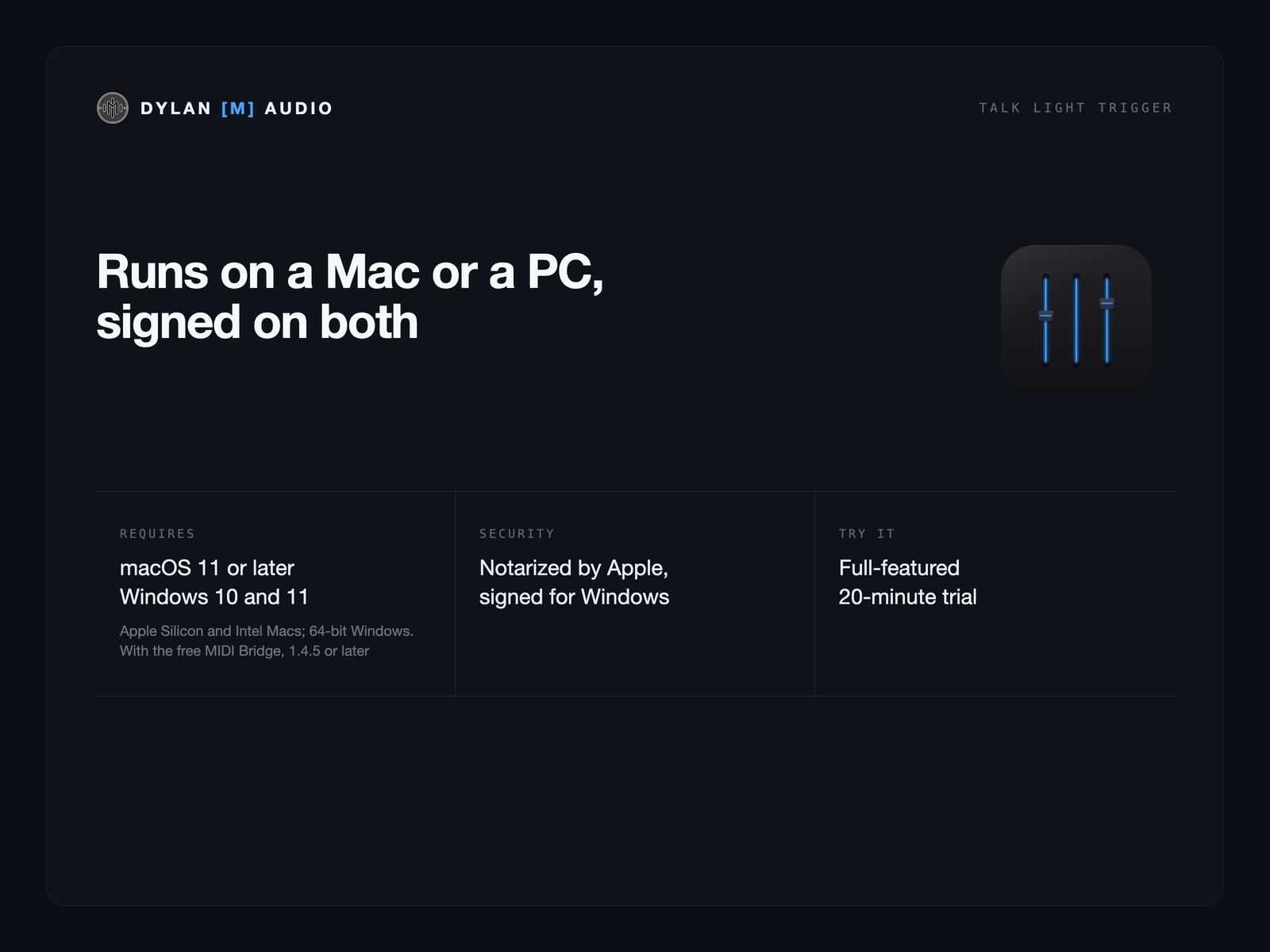
Both. Talk Light Trigger runs on Windows 10 and 11 (64-bit), in the system tray, and on Apple Silicon and Intel Macs with macOS 11 or later. On Windows it reaches the console through MIDI Bridge for Windows, and a Dante Virtual Soundcard channel shows as DVS Receive. A licence’s two activations can be on a Mac or a PC.
No analytics, no telemetry. Activating the licence is the only network call; Check for updates runs only when you press it. A licence covers two computers, Mac or PC — show machine and spare.
Intro sale — $9 with code TLTINTROSALE until 31 October 2026 (was $19). Or try it free first, 20-minute sessions.Buy a licence — $19, or try it free first with 20-minute sessions.
 Dylan
Dylan