SMPTE timecode generator, monitor and converter — on your Mac or PC.
Generate, monitor and convert SMPTE timecode — LTC and MTC — with an app that does the job of a rack timecode clock and shows you what your timecode is actually doing. Read incoming LTC or MTC and see exactly how healthy it is; send it on clean as LTC, MTC or both, at the same frame rate or a different one; or run it as the timecode master and render sample-accurate LTC to a WAV. A far steadier endpoint than piping LTC straight into a DAW. Works with any console or application that needs timecode.
I was sending LTC into my DAW over an audio network driver and it kept dropping the odd frame. I fixed it the usual way: a hardware timecode clock in the rack, which would freewheel, convert frame rates and turn LTC into MTC. It was rock solid. It was also about $1,000 for something that mostly sat there looking nice, and when a tour came along where I needed a smaller rack, I wrote the software version. It turned out to be better at the part the box couldn’t do — telling me what was wrong with the timecode.
Linear timecode (LTC, the SMPTE audio signal) from any audio input, or MIDI Time Code (MTC) from any MIDI port. A large readout, lock and freewheel state, the detected frame rate, and separate counts of missed, misread and jumped frames — so you can tell a bad source from a bad path.
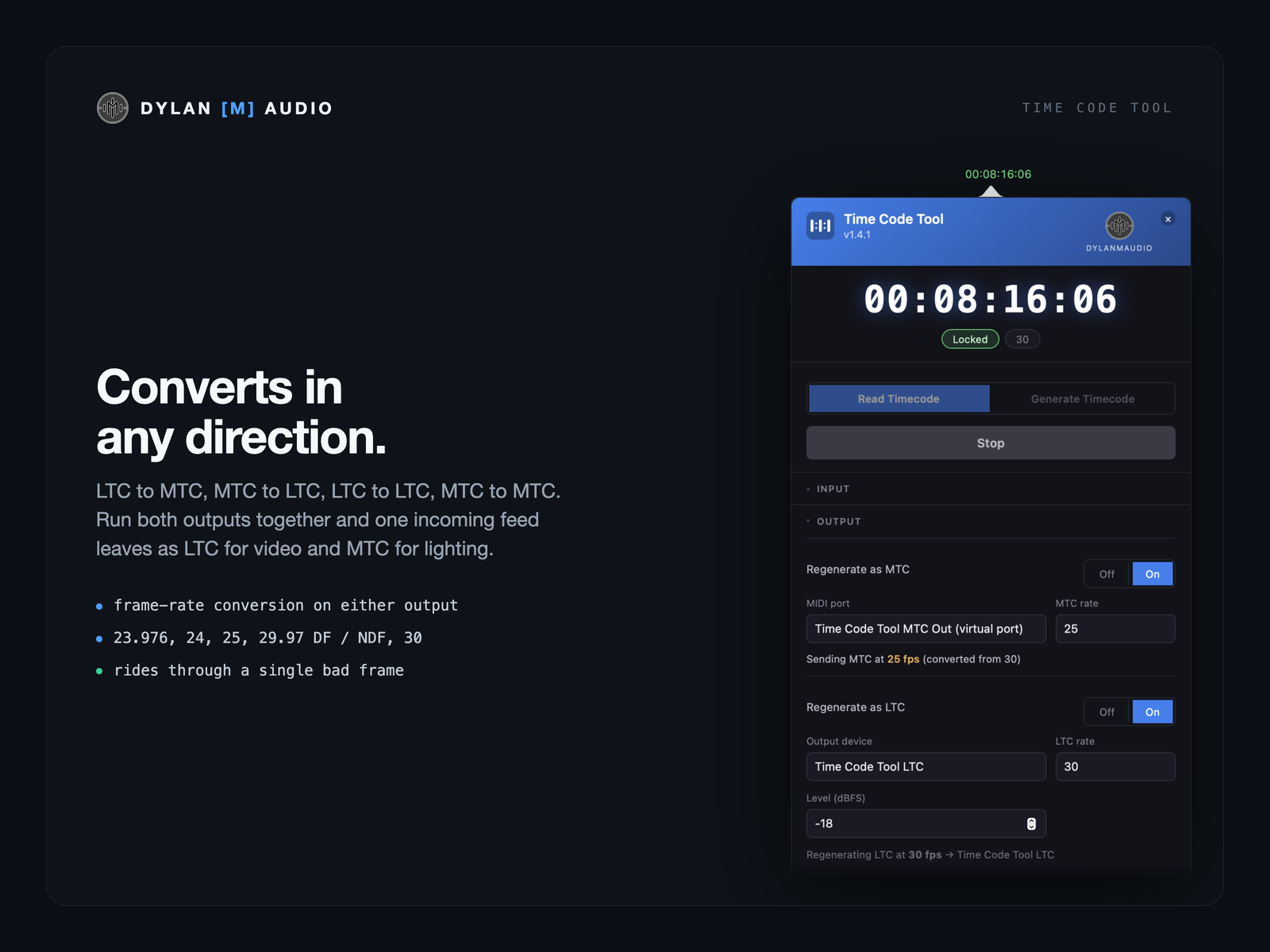
LTC to MTC, MTC to LTC, LTC to LTC, MTC to MTC. Run both outputs together and one incoming feed leaves as LTC for video and MTC for lighting.
Each output follows the input or converts to the rate you set: 23.976, 24, 25, 29.97 drop-frame and non-drop, 30.
A single misread frame is ridden through instead of sending everything downstream to the wrong place and back. A dropout is freewheeled. A real relocate still follows, one frame later, and is written to the log with the reason.
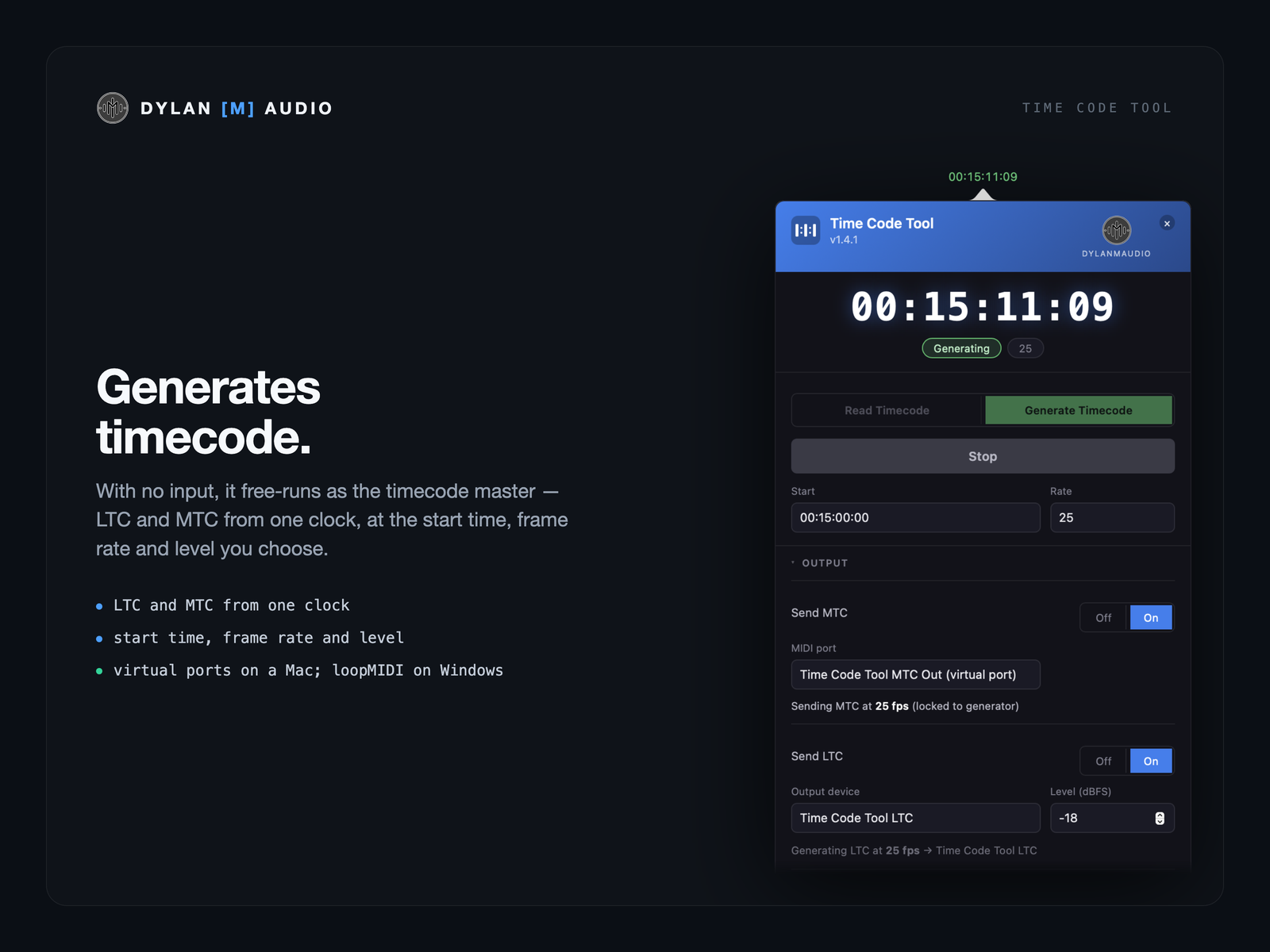
With no input, it free-runs as the timecode master — LTC and MTC from one clock, at the start time, frame rate and level you choose.
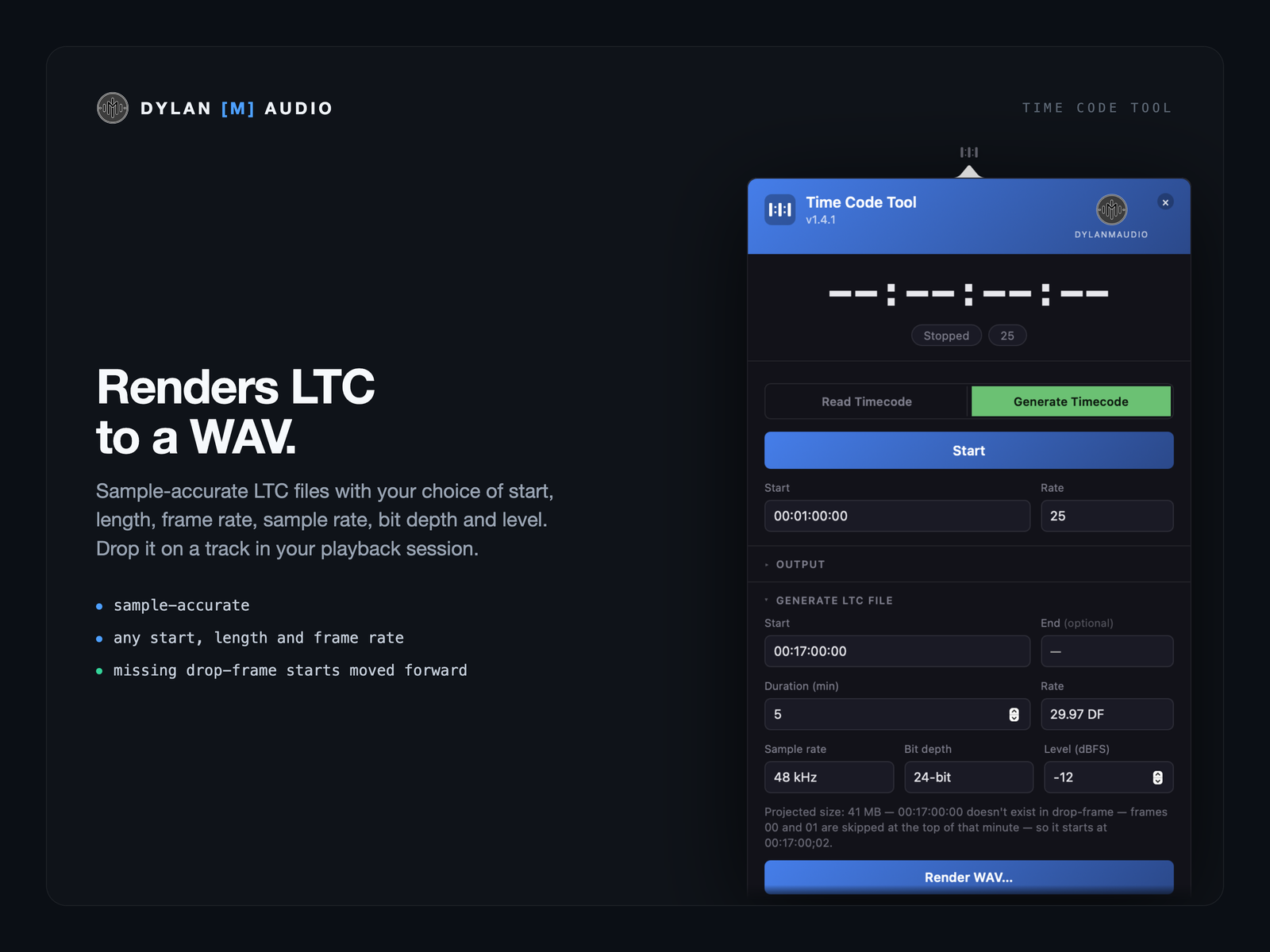
Sample-accurate LTC files with your choice of start, length, frame rate, sample rate, bit depth and level. Drop it on a track in your playback session.
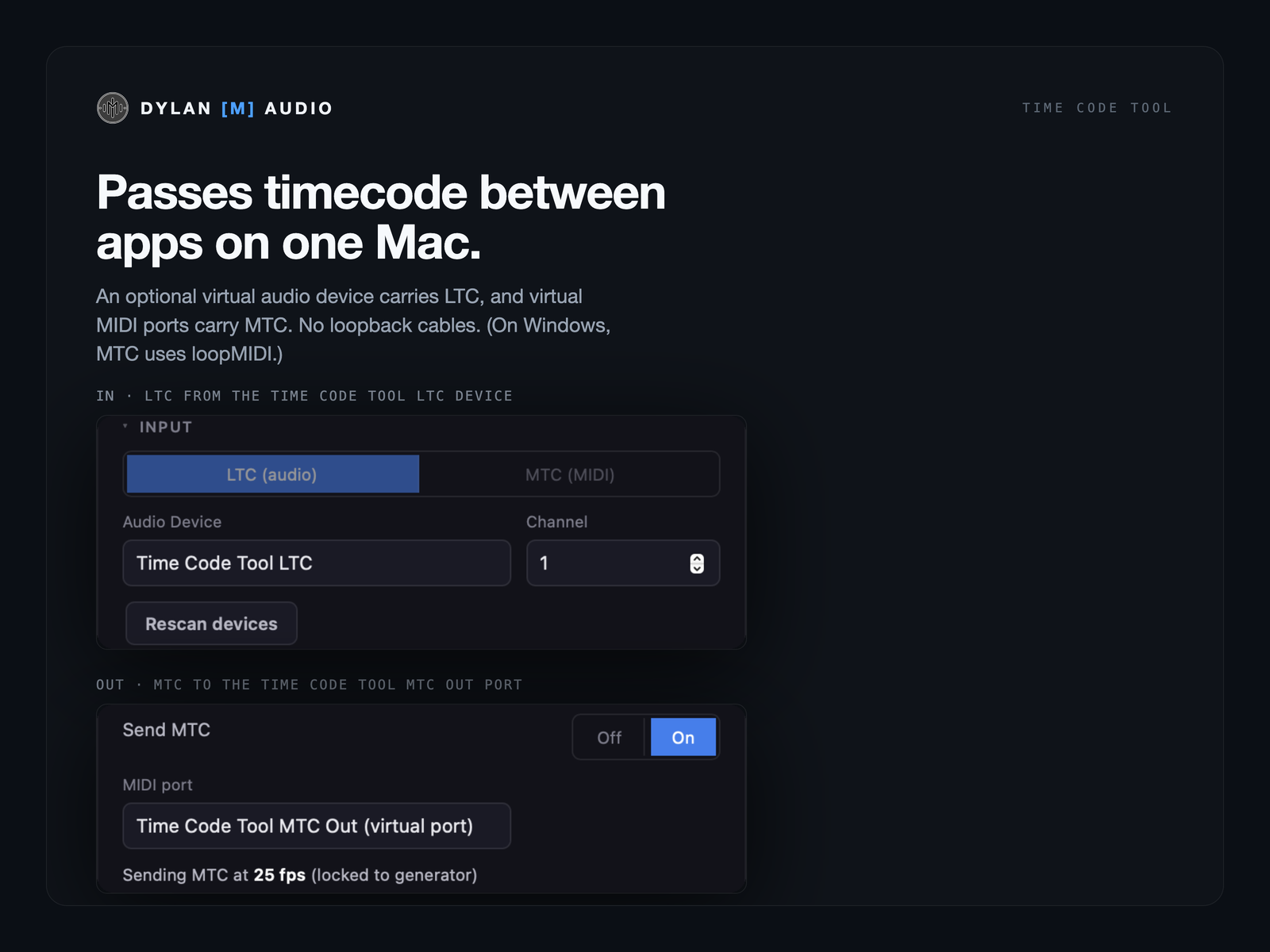
An optional virtual audio device carries LTC in and out, and virtual MIDI ports carry MTC in and out. No loopback cables, no separate routing utility. (The virtual audio device needs macOS 13 or later. On Windows there isn’t one, and MTC goes through ports you make in the free loopMIDI.)
Transport, mode, inputs and outputs and the generator on Bitfocus Companion keys, and a four-key HH MM SS FF readout — green while locked, amber in freewheel. With the free dylanmaudio Companion module.
Anyone who sends or chases timecode from a Mac or a PC: playback engineers running Ableton Live or Reaper; lighting programmers whose software wants MTC when the show sends LTC; video and media-server operators; theatre sound with QLab; pyro and show control; FOH and monitor engineers running timecode-driven console automation. It doesn’t care what console, desk or application is on the other end.
That’s the problem it was built for. Read the LTC in Time Code Tool instead and give the DAW clean MTC on the virtual port, or regenerated LTC. The frame counters will also show you whether frames are being lost on the way in.
Yes — to a virtual MIDI port for software on the same Mac (a loopMIDI port on Windows), or to any MIDI interface for a console or another computer.
For reading, converting LTC and MTC, frame-rate conversion, freewheeling and regenerating clean timecode, on a computer that’s already in your rig — that’s what I use it for. Those boxes are excellent, and they do two things this doesn’t: word clock and video reference. Time Code Tool is LTC and MTC only. If you need those, or timecode with no computer involved, buy the box.
It does what Lockstep did — LTC in, MTC out — and the other directions, natively on Apple Silicon, and it’s maintained.
Yes, offline, at any frame rate including drop-frame. Or download a ready-made hour from the free LTC WAV files.
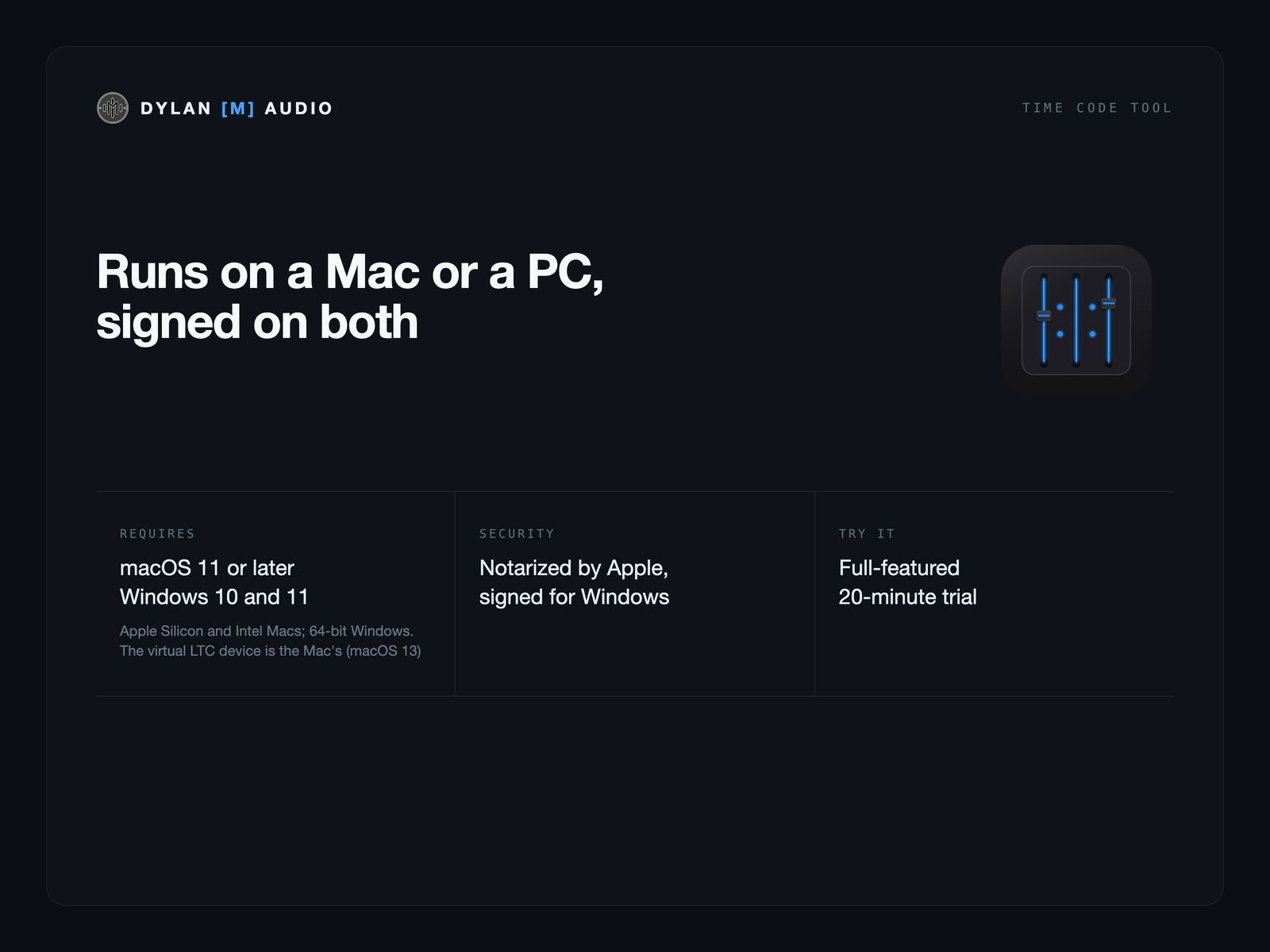
Both. Time Code Tool runs on Windows 10 and 11 (64-bit), in the system tray, and on Apple Silicon and Intel Macs with macOS 11 or later. On Windows it reads and generates LTC and MTC as on the Mac, on any audio interface or Dante Virtual Soundcard channel; there’s no Time Code Tool LTC device, and the MTC ports are ones you make in the free loopMIDI (the Quick Reference shows how). A licence’s two activations can be on a Mac or a PC.
No analytics, no telemetry. Activating the licence is the only network call, and a licence covers two computers, Mac or PC — the show machine and the spare.
Buy a licence — $69, or try it free first with 20-minute sessions.
 Dylan
Dylan