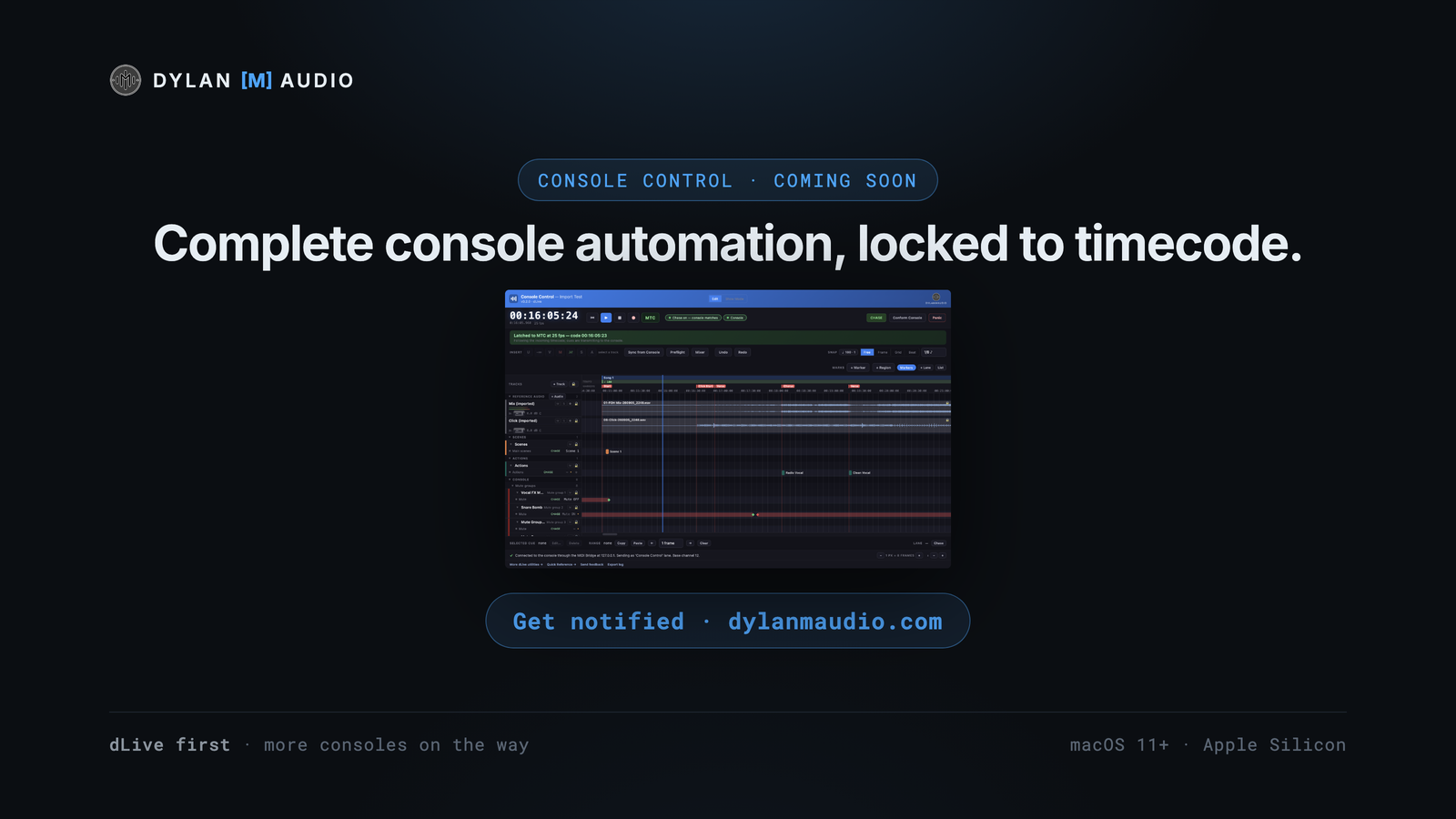
Every fader, mute, Scene, Action and send, programmed on a timeline against your show’s own audio and fired exactly when the show gets there. Drop in anywhere and the desk is right. The dLive is the first console; more manufacturers are on the way.
I’ve been automating cues on the dLive for years — first from QLab, then from Reaper as the shows got bigger. For music, a timeline makes far more sense than a cue list: punching in timecode by hand is fine for a dozen cues and punishing for hundreds, and nudging or relocating a run of them is worse.
Reaper is the tool that made this possible. I was recalling a Scene for every move, until I had hundreds of Scenes whose only job was to move one fader a little. So I went into the dLive’s MIDI manual, down to the NRPN messages, and wrote a script that turned a simple cue into a fader move — then a plugin per track, one for each console channel, that pulled the channel names and colours from the desk. On one project I programmed over a thousand cues in a few days.
In the end I’d scripted more features than I was using of the DAW itself, so it became its own app: quick to install, fast to program and light — the same session runs at about a third of the CPU Reaper needs (3% against 10%, on a Mac mini M4). That app is Console Control.
Fader, mute, Scene, Action, mute-group and send-level cues play against LTC or MTC from any interface — or the app’s own clock while you program. Cues sit at timecode, not bars, so a vamp or a dropped click moves nothing.
Record your reference through the virtual audio device, or import a whole set from a live recording: the LTC decoder places every track at its real timecode — four one-hour files in under a minute. Reference audio is locked in place by default, so nothing moves by accident.
Import or record a click and it maps the tempo in seconds — no warping, no moving audio — so markers and cues snap to a beat grid while everything stays on timecode.
Import the show file for Scene names and Action data; sync to the connected console and channel names and colours come across live. You program with the names already on the desk.
Add a track for any input, aux, FX send or return, DCA, group, master or matrix for fader and mute control, and send lanes for deeper automation. A cue is an absolute value — “fader to −6 dB” — so the desk lands in the same state whatever came before.
A transition between two cues is a duration and a curve. Select a run of cues and drag them, nudge by your own increment, or move the lot when the show changes.
Chase works out what every lane should be at the playhead and sends it — one Scene per track, not every Scene in between — so a cold locate into the second chorus lands the console correctly. Switch chase off per lane, or leave it off and Conform Console when you choose. Only what you’ve automated is touched; everything else stays as the engineer set it.
It freewheels through dropouts, starts only on valid timecode, and a single bad frame can’t move the playhead or the desk.
Preflight runs every check at once and says what’s wrong in words; Show Mode locks editing behind a large timecode display with status and upcoming cues; Panic is always one press away.
Aux MIDI lanes drive external software — Waves SoundGrid, LiveProfessor and the like — with example maps included.
Import a Reaper project or a MIDI show as a starting point, and export audio — with generated timecode in the render — for any rig that chases.
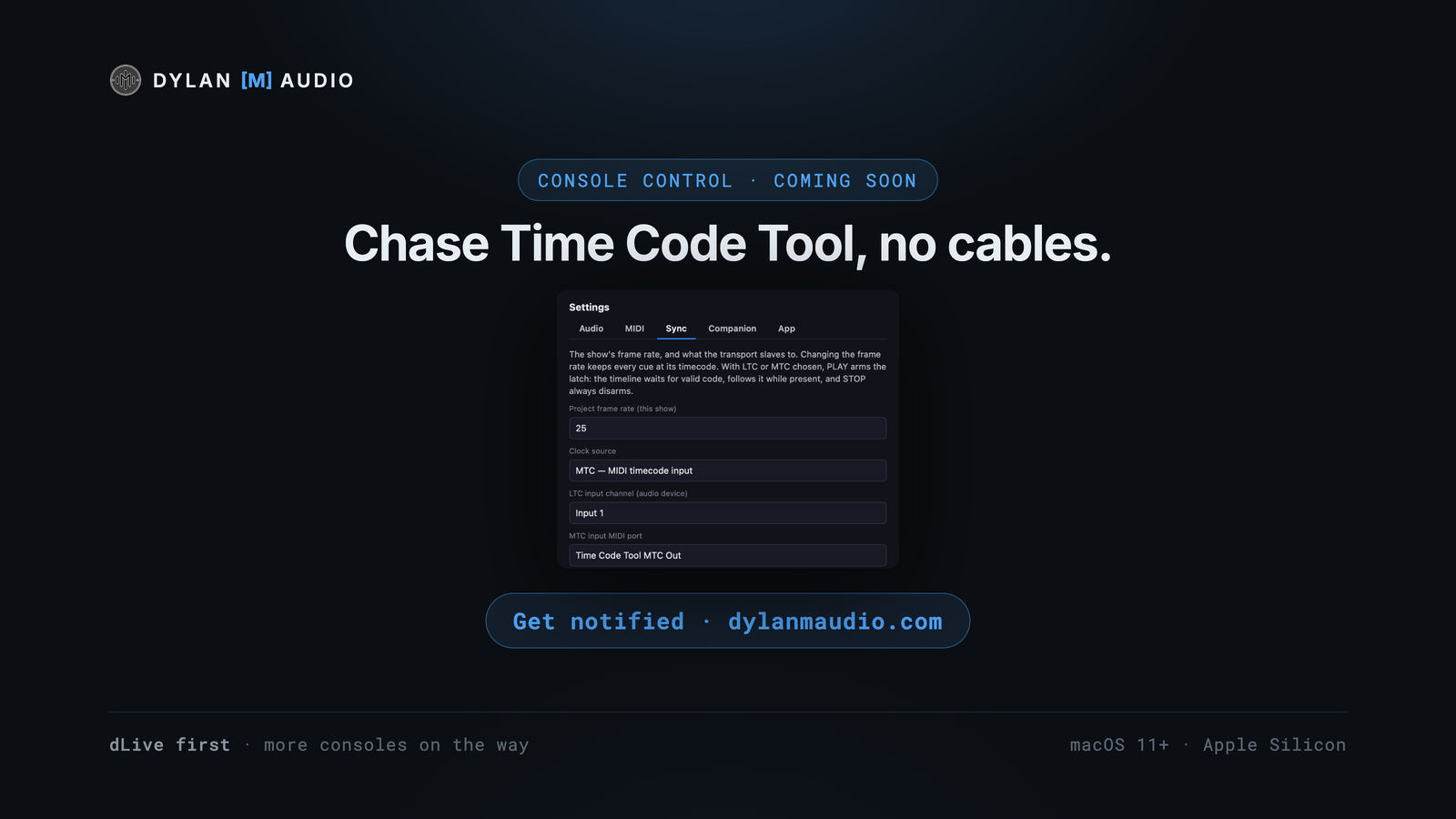
Every cue reaches the console through the free MIDI Bridge, which holds the one connection to the desk and names each cue in its monitor. Console Control chases Time Code Tool over LTC or MTC — no cables on the same Mac — and every keyboard shortcut is a Stream Deck key through the free Companion module, with sync lock and chase fed back.
FOH and monitor engineers running timecode shows; playback and show-control operators; theatre and touring productions with hundreds of console moves; anyone who has hit the ceiling of a cue list — or of a DAW session full of Scenes that each move one fader.
Soon — it’s in beta with a small group of engineers now. The release date and the price go to the notify list first: press Get notified on this page. It’s free, and there’s nothing to download yet.
The dLive is the first console, not the only one — more consoles, from more manufacturers, are on the way. Tell me which desk you’d like next, in the Discord or through the contact form.
No. On the internal clock you move the playhead yourself and program against your reference audio; the console only needs to be there when you run the show.
Nothing more is sent, so the console stays exactly where it was.
It freewheels through short dropouts and only starts on valid timecode, and a single bad frame can’t move the playhead or the console.
No — it fires them, and does the small moves you’d otherwise build a Scene for. When you locate, it recalls one Scene per track, not every Scene in between.
Through the free MIDI Bridge, which holds the one network connection to the desk. Your DAW, the other dylanmaudio apps and Companion share it, and MIDI Bridge’s monitor shows every cue Console Control sends under its own name.
Yes: import a Reaper project (RPP) or a MIDI show as a starting point.
Apple Silicon Macs on macOS 11 or later. Intel Macs are next, then a Windows version.
Get notified — it’s free. You’ll hear the moment it launches, plus a few previews on the way. Nothing to pay, and you can unsubscribe any time.
 Dylan
Dylan